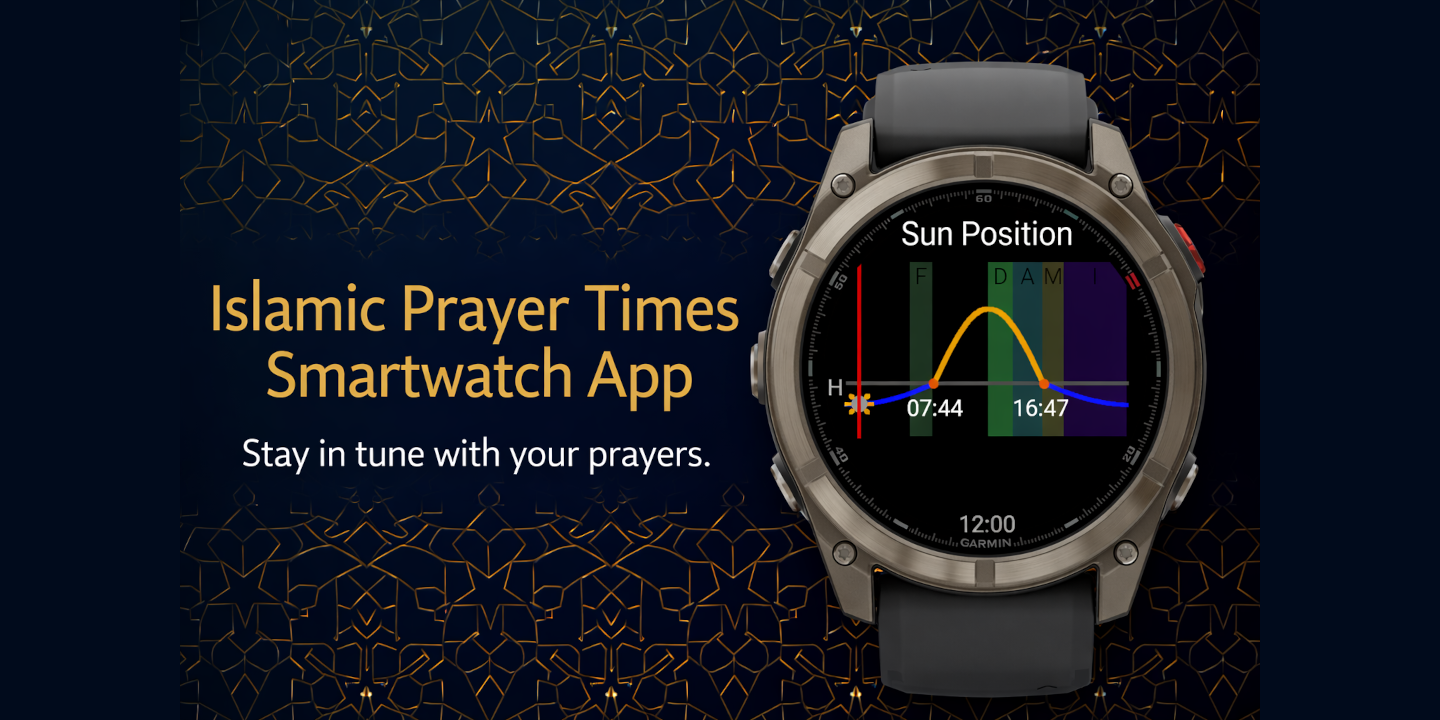
I built Azan, a Garmin widget that brings accurate Islamic prayer times to your wrist. As someone who wears a Garmin watch daily, I wanted a native way to check prayer times without pulling out my phone.
Features
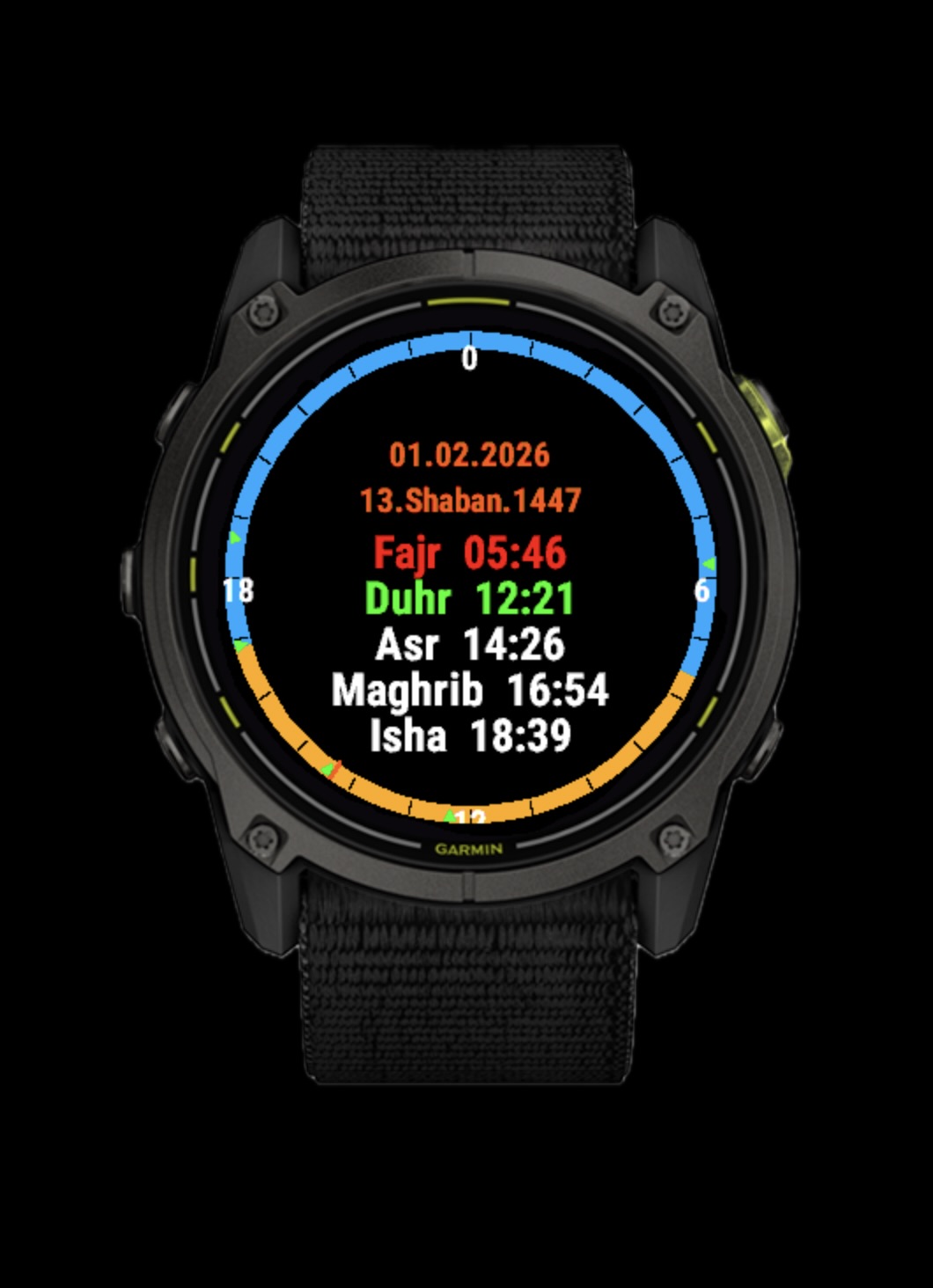
Azan displays all six daily prayer times (Fajr, Sunrise, Dhuhr, Asr, Maghrib, and Isha) directly on your Garmin watch:
- Dual Calendar Display: Shows both Gregorian and Hijri (Islamic) dates
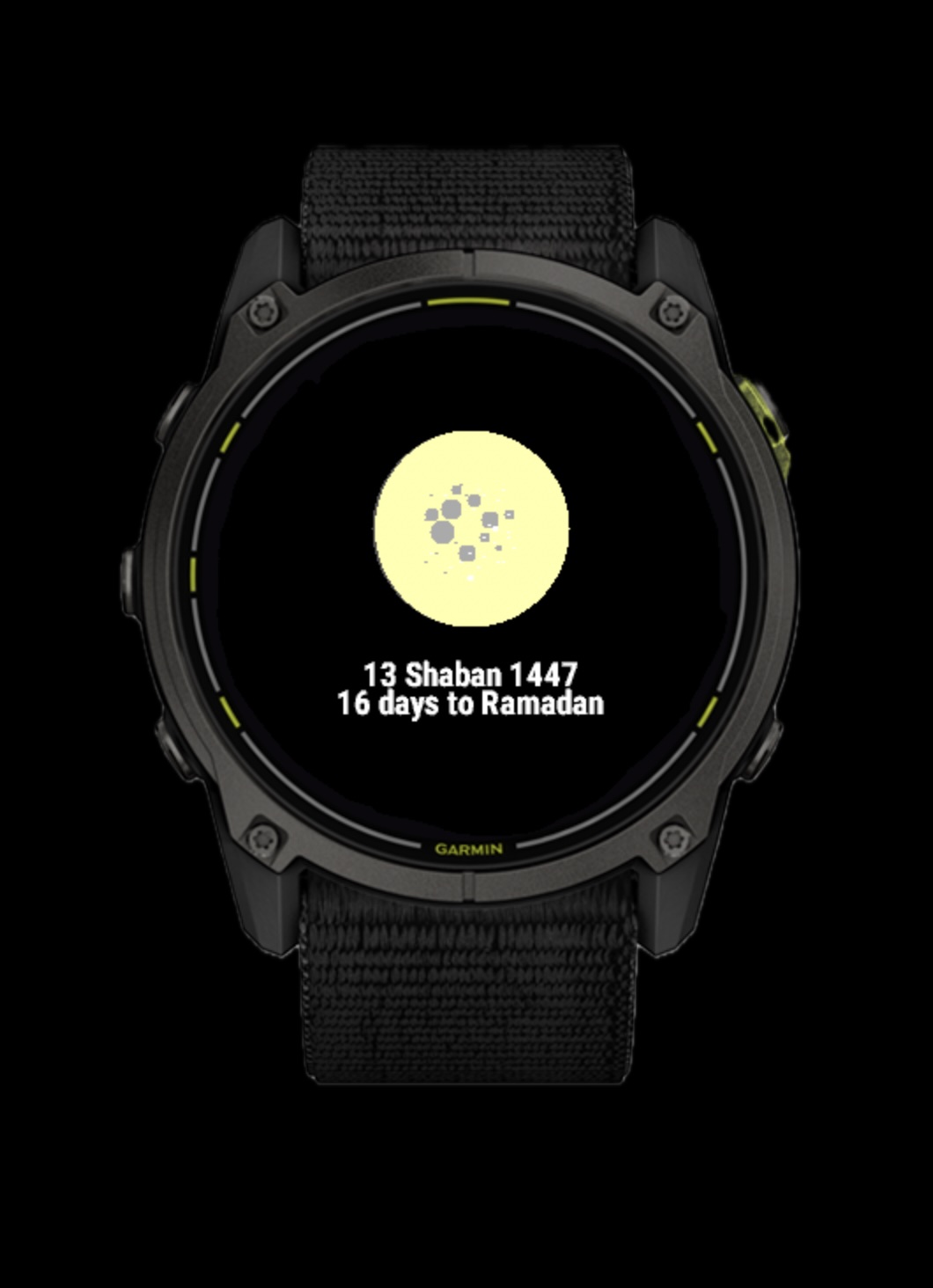
- Moon Phase Visualization: Current moon phase with illumination percentage
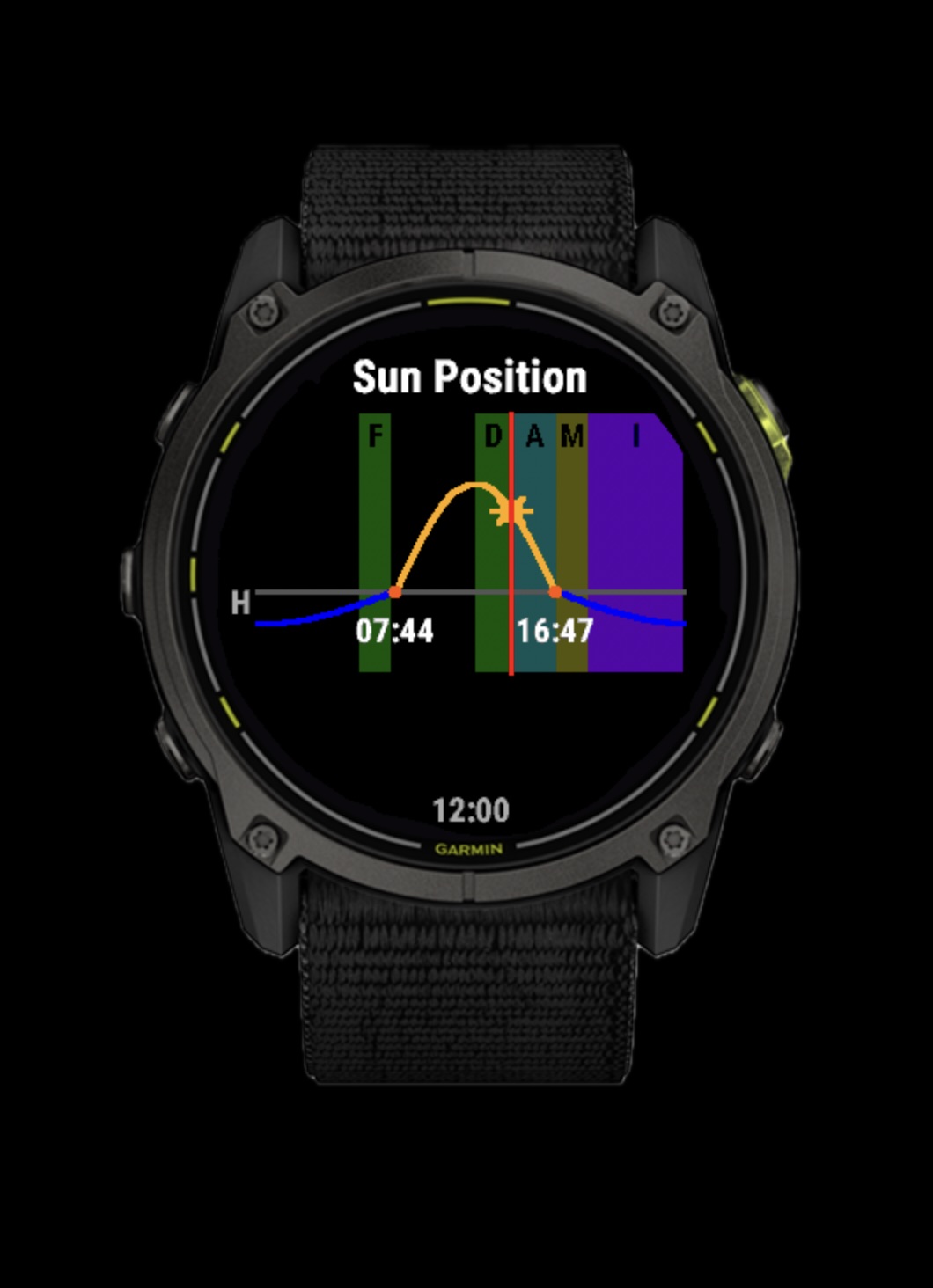
- Sun Position Chart: A visual sun path showing sunrise, sunset, and current position
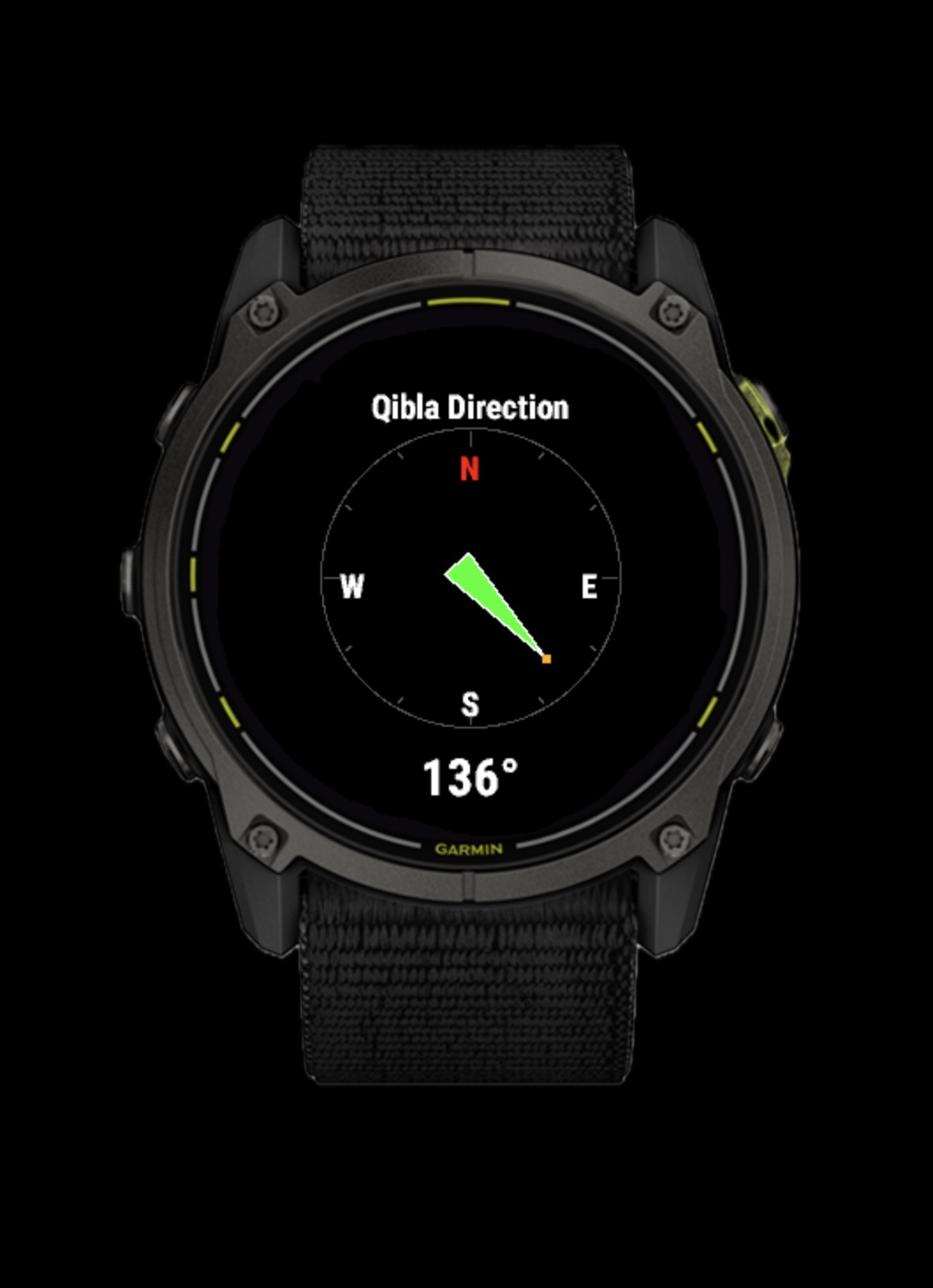
- Qibla Direction: Compass showing the direction to Makkah
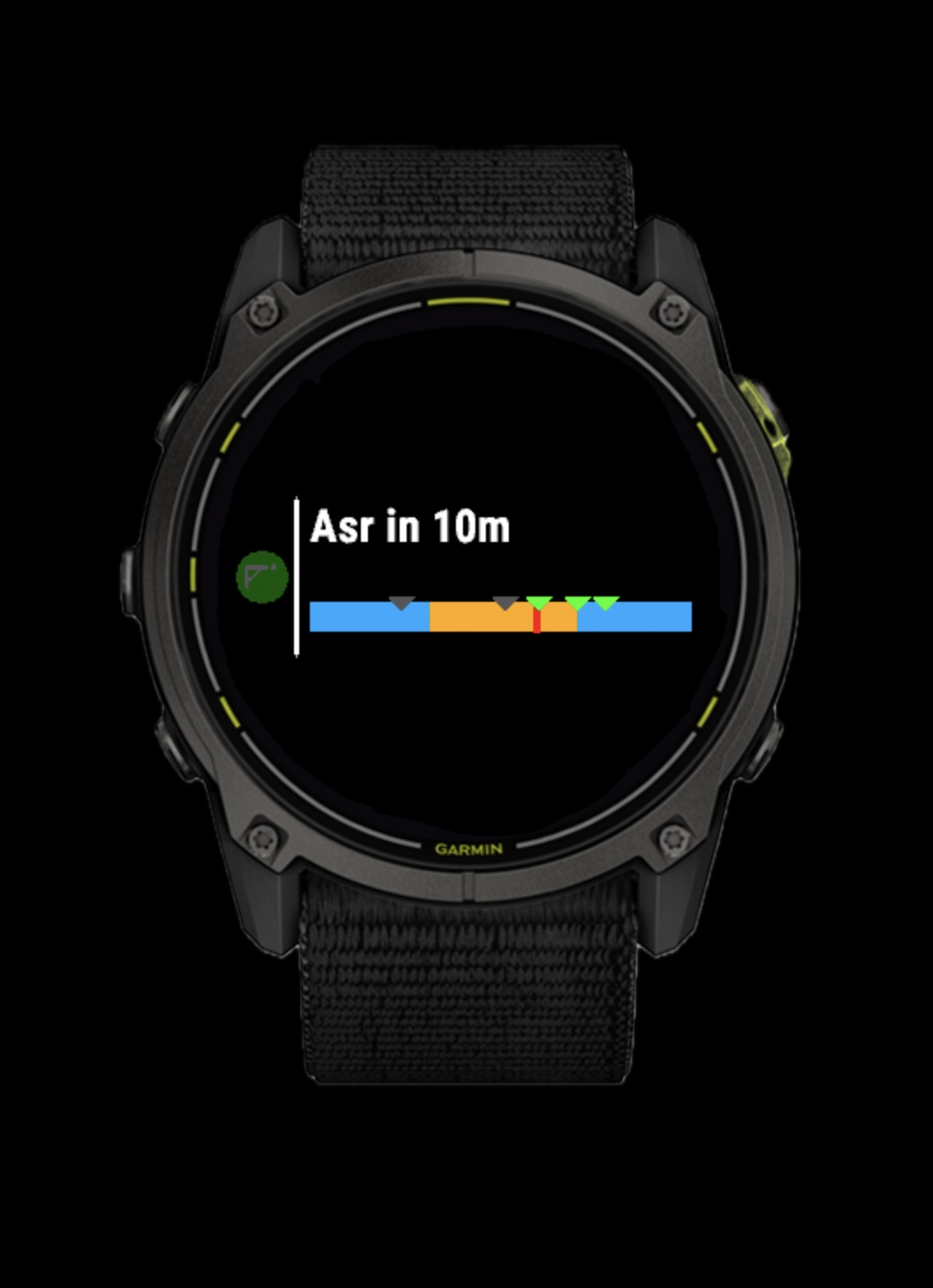
- Widget Glance: Quick view showing the next prayer with a countdown and a visual day/night cycle bar
Screenshots
Widget Glance
The glance view shows the next prayer, countdown, and a 24-hour day/night cycle bar with prayer time markers.
Prayer Times
All six daily prayer times with both Gregorian and Hijri dates.
Moon Phase
Current moon phase with visual representation and illumination percentage.
Sun Chart
Visual sun path showing current position relative to sunrise and sunset.
Qibla Direction
Compass showing the direction to Makkah from your current location.
Calculation Methods
Azan supports 12 calculation methods to match your region:
- Muslim World League
- Egyptian General Authority
- University of Islamic Sciences, Karachi
- Umm Al-Qura (Makkah)
- Dubai
- Moon Sighting Committee
- ISNA (North America)
- Kuwait
- Qatar
- Singapore
- Diyanet (Turkey)
You can also choose between Standard and Hanafi Asr calculation, plus high latitude adjustments for locations like Northern Europe.
Get It
Download from Garmin Connect IQ Store
Works on Garmin watches supporting Connect IQ SDK 4.2.0+.
If you find it useful, I’d appreciate a review on the Connect IQ Store.