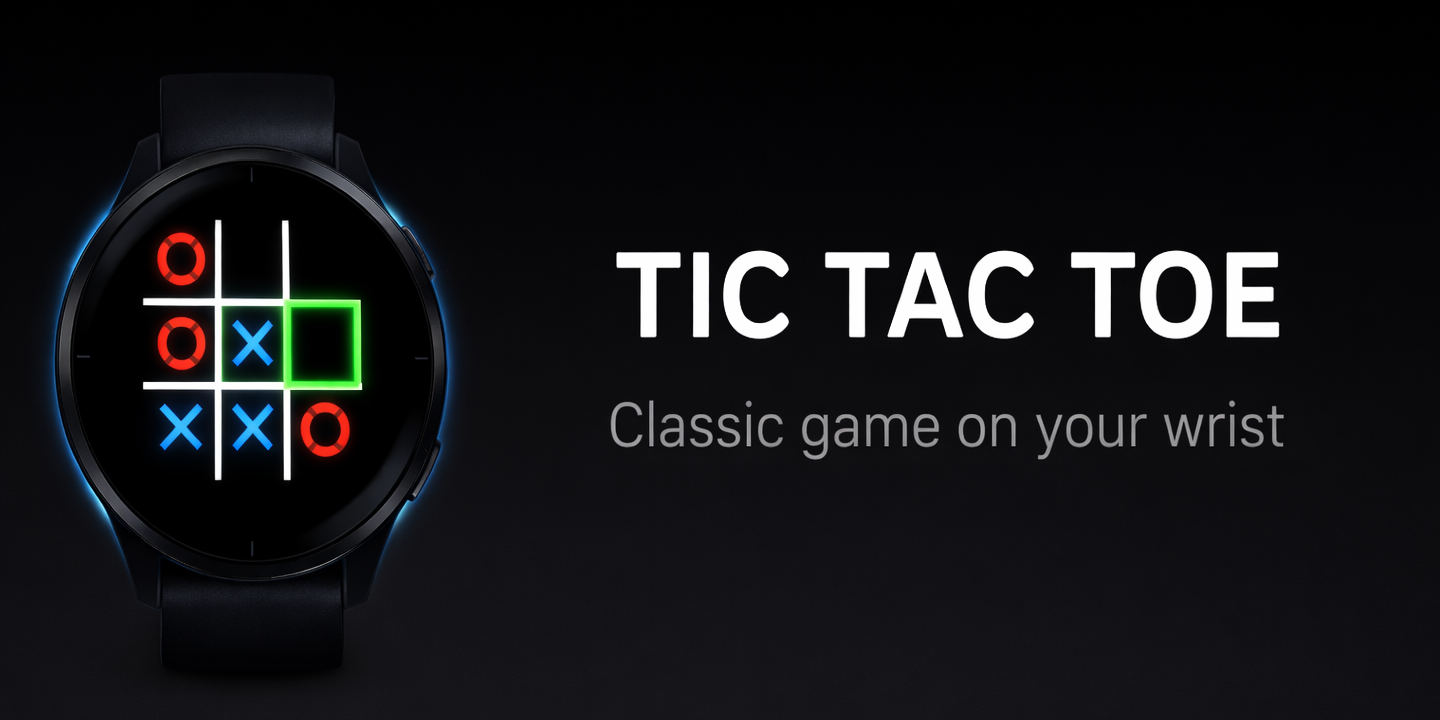
I built Tic Tac Toe for Garmin watches — a classic X & O game you can play against an AI opponent or a friend, right on your wrist.
Features
- 1-Player mode: Play as X against a smart AI opponent
- 2-Player mode: Pass-and-play on the same watch — take turns placing X and O
- Scaling AI difficulty: The AI gets smarter the more you win. It starts beatable, but build a win streak and it’ll fight back hard
- Touch and button support: Tap directly on cells, or use UP/DOWN buttons to navigate a cursor
- Winning line highlight: A gold line strikes through the three winning cells
- Win streak tracking: Your best consecutive wins are saved between sessions
- 121 supported devices: From Fenix 5 to Fenix 8, Forerunner 245 to 970, Venu, Vivoactive, MARQ, Instinct, and more
Screenshots
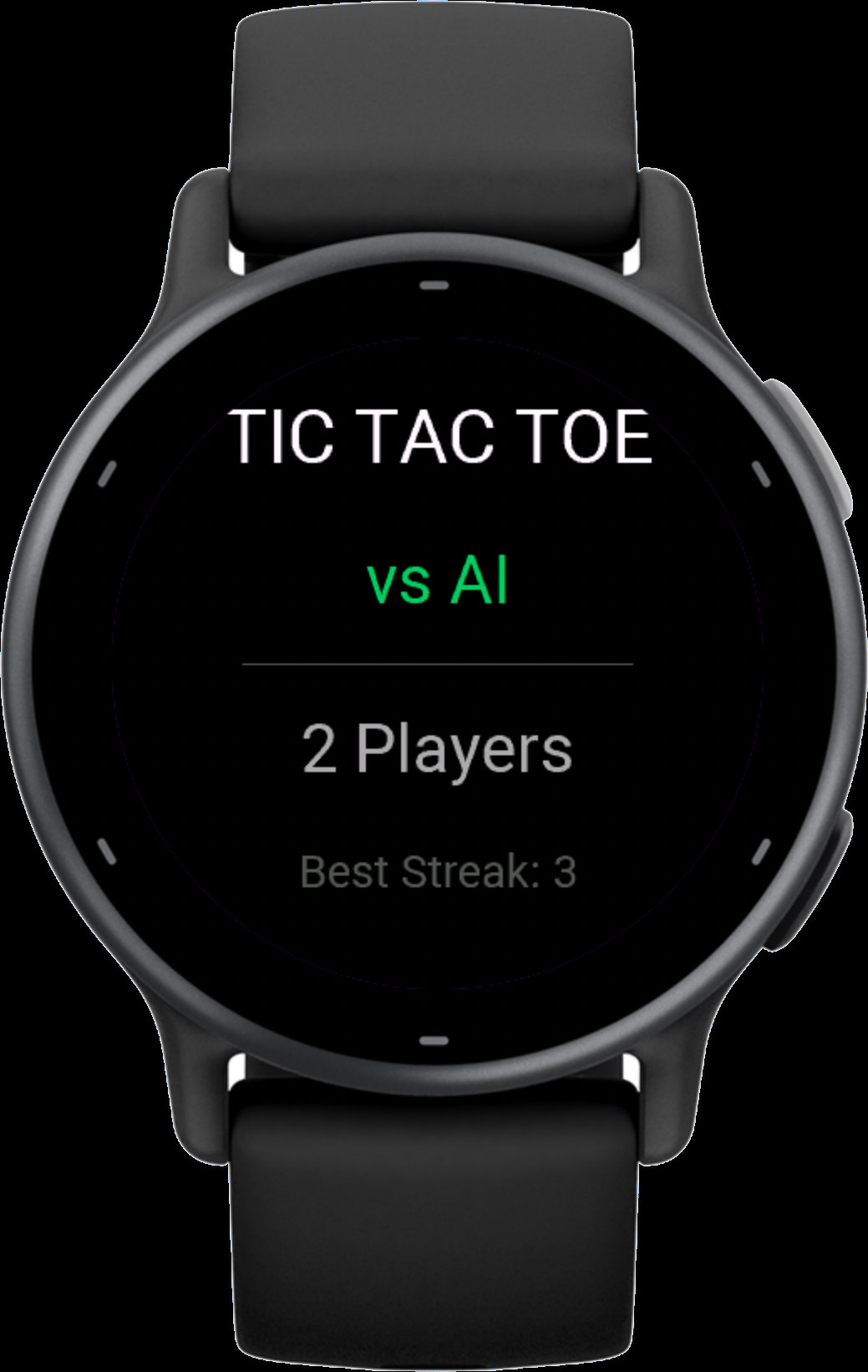
Mode Selection
Choose between vs AI and 2 Players on the start screen. Touch devices: tap upper half for AI, lower half for 2P. Button devices: UP/DOWN to toggle, SELECT to start.
Gameplay
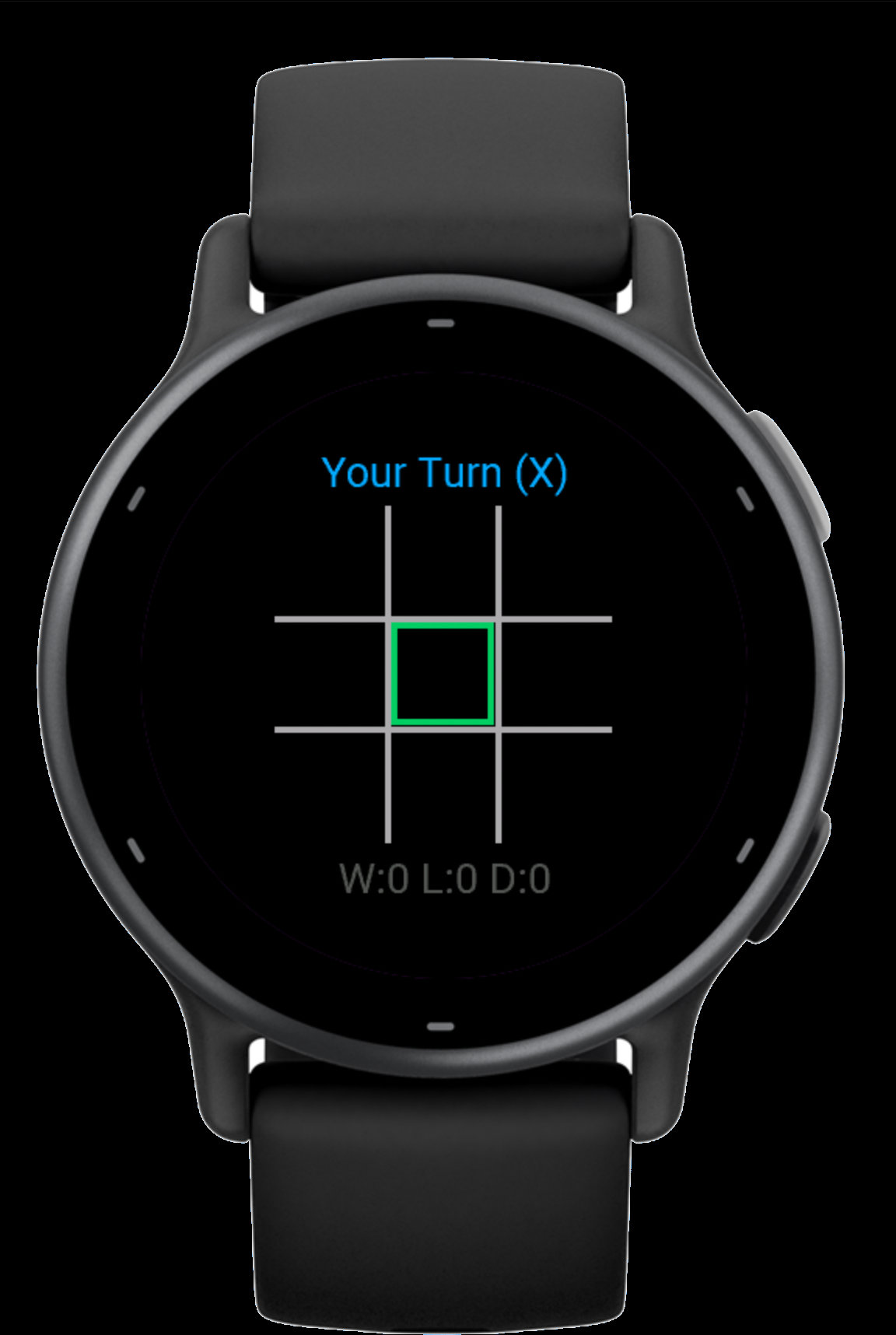
Blue X marks, red O marks, green cursor for navigation. The turn indicator shows whose move it is.
How the AI Works
The AI uses a rule-based strategy that runs in constant time (important on a watch with strict CPU limits):
- Win — complete three in a row if possible
- Block — prevent the player from winning
- Center — take the center square
- Opposite corner — counter the player’s corner moves
- Any corner, then any side as fallback
To keep things fun, the AI occasionally makes a random move instead of the optimal one. This “mistake rate” starts at 35% and drops to 8% as your win streak grows — so the AI feels fair at first but becomes a real challenge over time.
Controls
Touchscreen watches (Venu, Vivoactive, etc.):
- Tap a cell to place your mark
- On the start screen, tap upper half for AI or lower half for 2P
Button watches (Fenix, Forerunner, Instinct, etc.):
- UP/DOWN: move cursor between cells (jumps by row)
- SELECT: place your mark
- On the start screen, UP/DOWN toggles mode, SELECT starts
Technical Details
Built in Monkey C using the Connect IQ SDK. Three-file MVC architecture:
- TicTacToeApp.mc — Entry point
- TicTacToeView.mc — All game logic, AI, state machine, and rendering
- TicTacToeDelegate.mc — Input handling for 121 device models with different button layouts
The game uses Application.Storage for persisting the best win streak (minimum API 2.4.0, which is why that’s the floor). All graphics are drawn with Graphics.Dc primitives — no bitmaps needed. The grid scales responsively to any screen size.
Get It
Download from Garmin Connect IQ Store (link coming soon)
Works on 121 Garmin watch models with Connect IQ API 2.4.0+, including:
Fenix 5/5S/5X, Fenix 5 Plus series, Fenix 6/6S/6X Pro, Fenix 7/7S/7X, Fenix 8, Forerunner 245/255/265/570/645/735XT/745/935/945/955/965/970, Venu/Venu 2/3/4, Vivoactive 3/4/5/6, MARQ Gen 1 & 2, Instinct 2/3, Descent, Enduro, Approach S60/S62/S70, D2 series, epix, and the Legacy Hero & Saga editions.
If you enjoy it, I’d appreciate a review on the Connect IQ Store.